Payments
Design Your Digital
Success
Crafted Websites and Graphics that Leave a Lasting Impression

Our Story
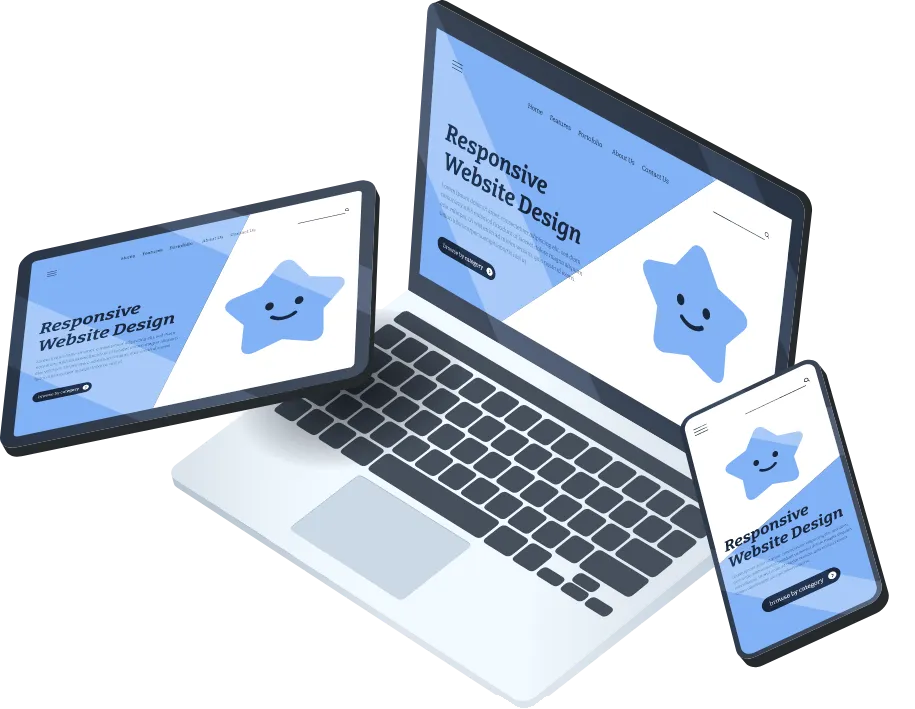
We are passionate web artisans, committed to creating visually stunning and functional websites that captivate audiences and elevate businesses to new heights.
INVOICE and estimates
On the left menu click Payments
Click Invoice and Estimates Tab
Click New Button to create new invoice type
update all information about Customer Information
Products and settings
Once Finalize click Send button
DOCUments and contracts
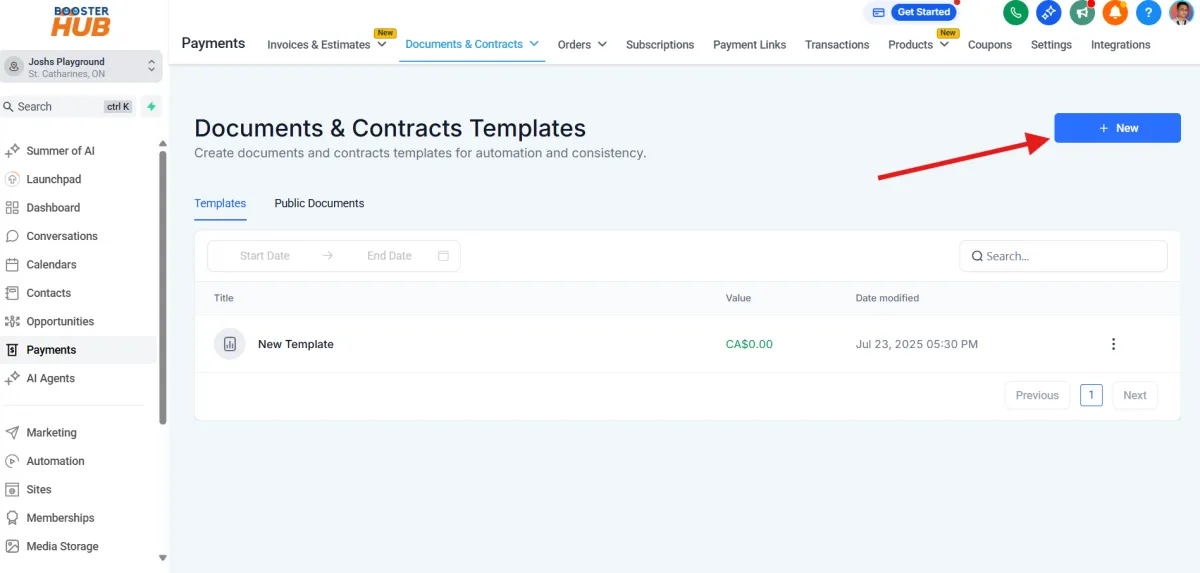
Go to Payments on left menu
Click Documents and Contracts Tab -> Template
Click New Button for new Template
Build using some elements and texts
and click save
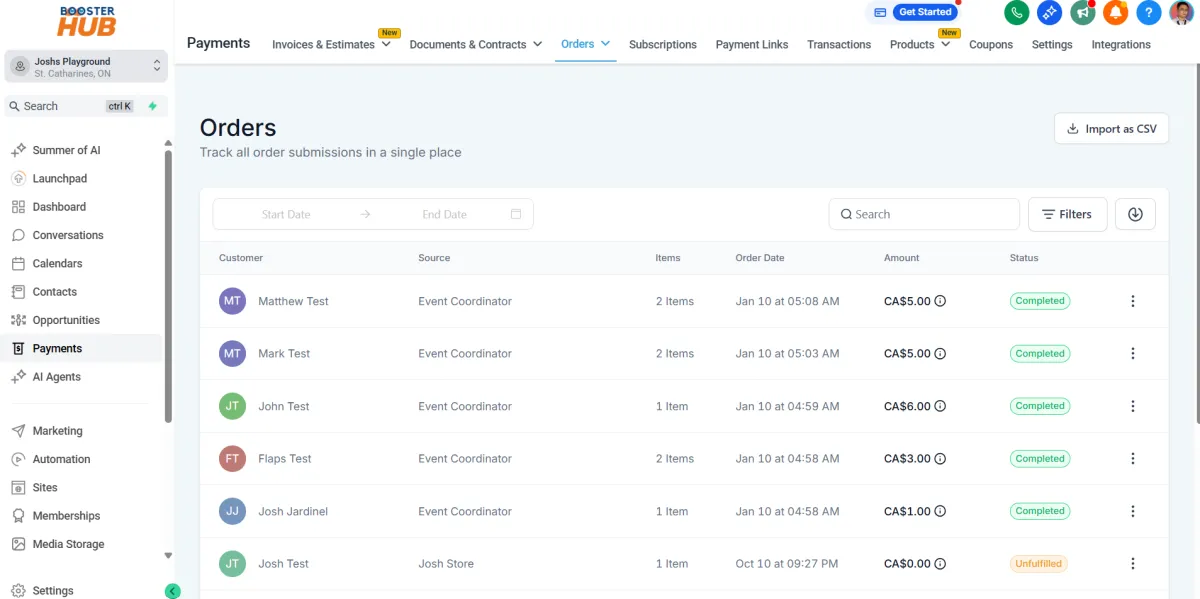
Orders
Go to Payments on the left menu
Click Orders Tab
you can use filters and date filter to Track order submissions
You can import CSV file
subcriptions
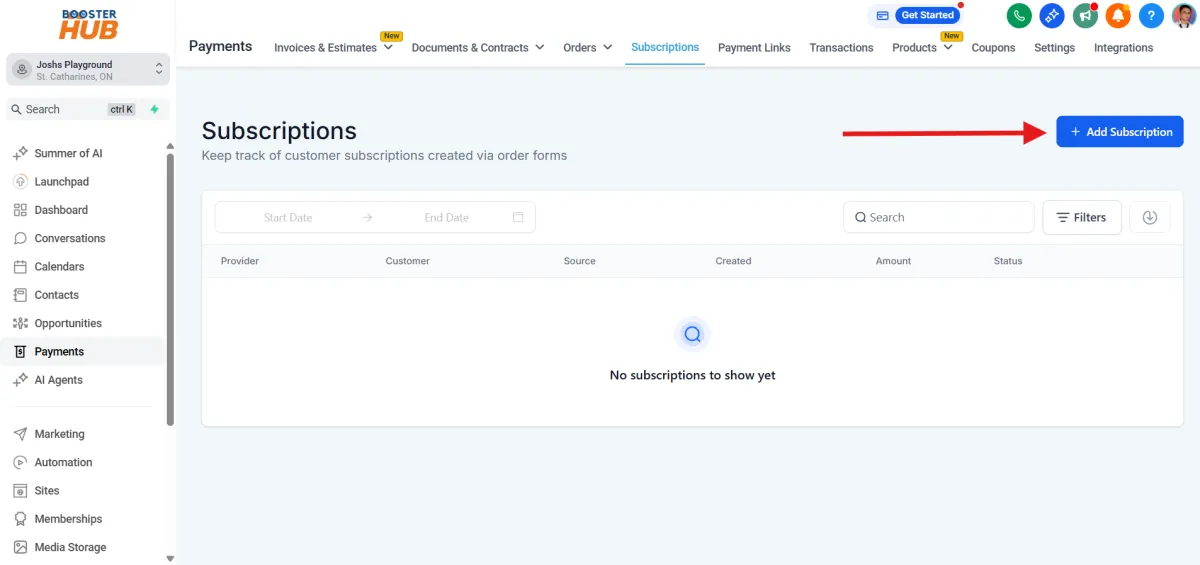
Go to Payments
click subscriptions Tab
Click Add Subscriptions Button
Complete information for customer details
subscription details and products
Then Click Schedule
Payment links
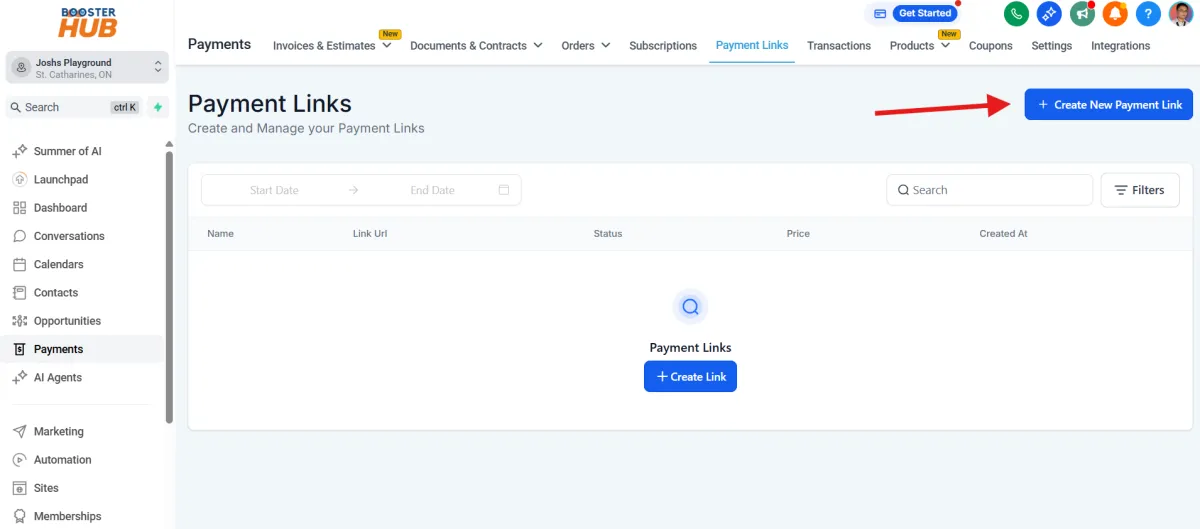
Go to Payments
click payments links Tab
Click Create new payment link
Select products and update options and advanced options
Then Click Save Button
Products
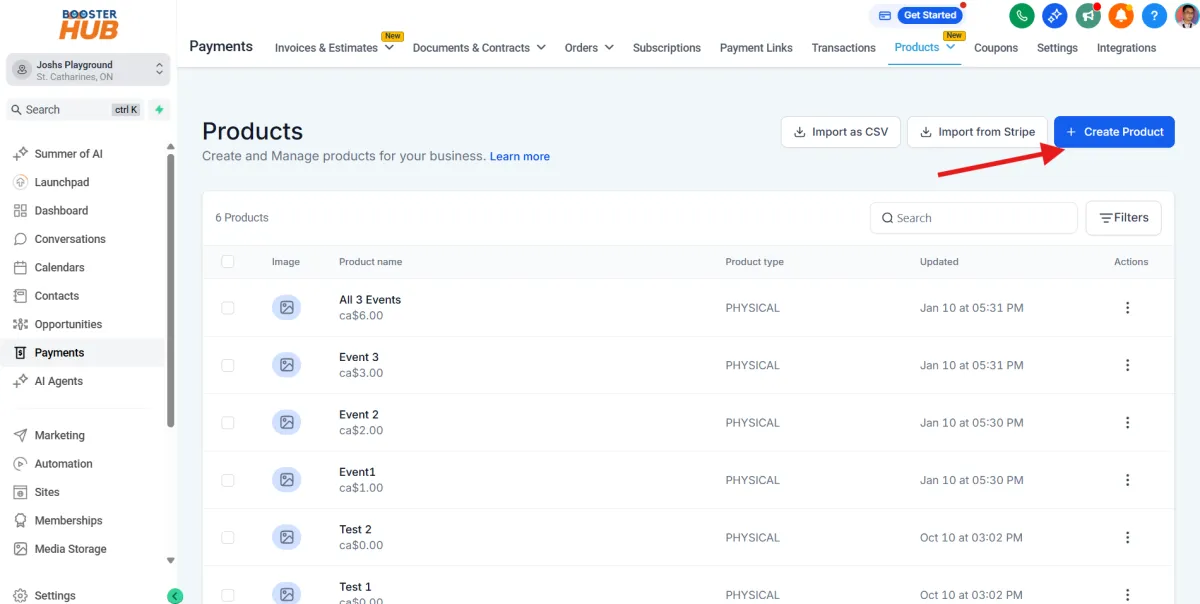
Go to Payments
click Products Tab
Click Create Product Button
Complete all the details for Information etc.
Click Save
coupons
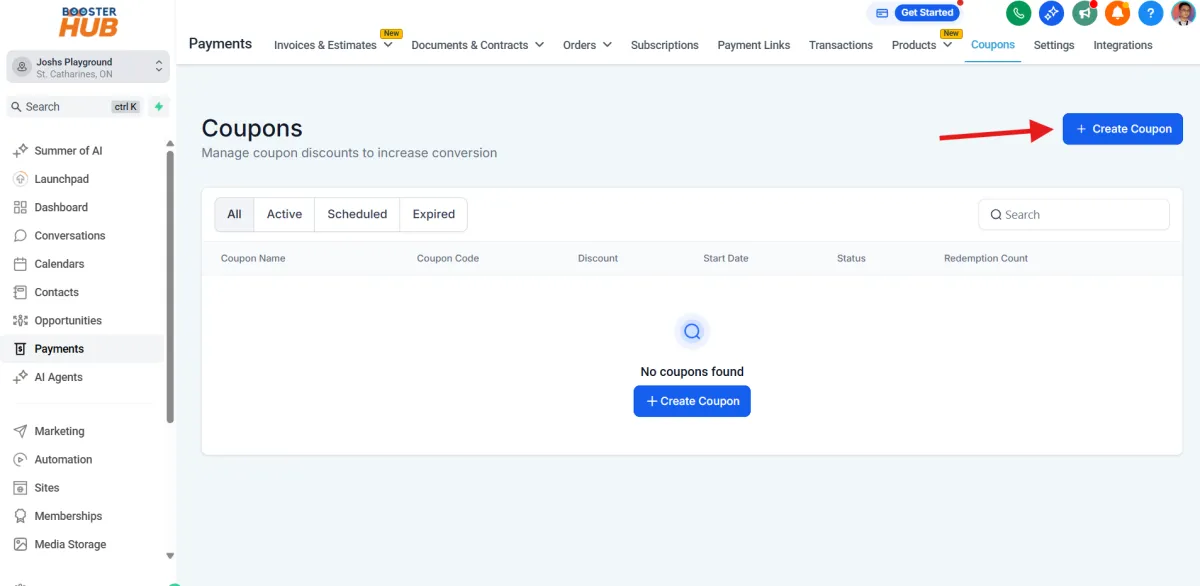
Go to Payments
click Coupons Tab
Click Create Coupon Button
Complete all the details for the coupon
Click Create
integrations
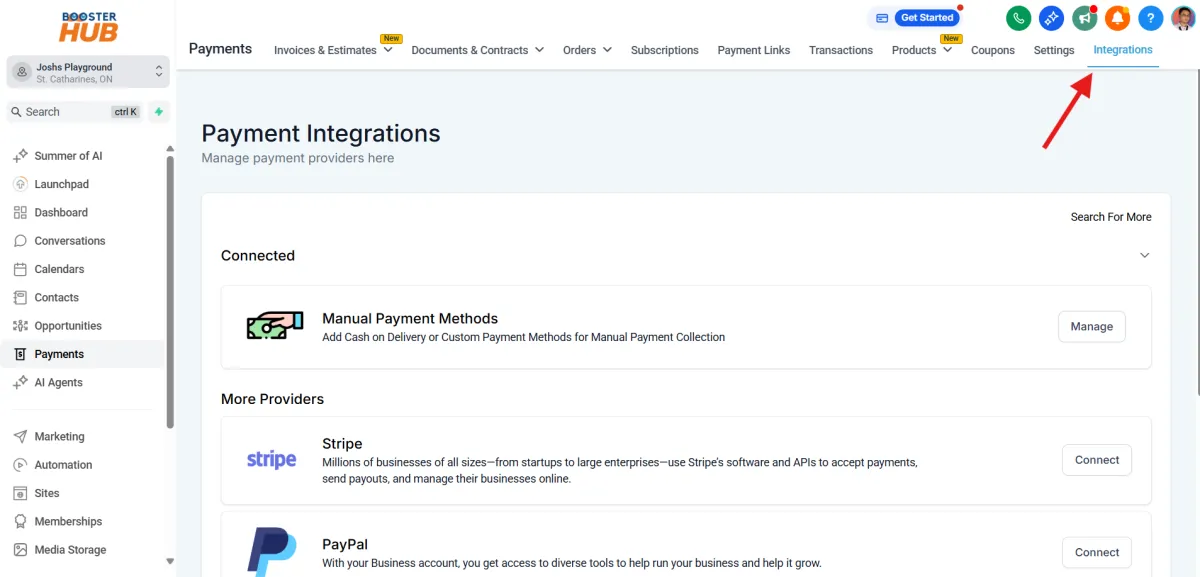
Go to Payments
click Integrations Tab
Select provider
Click Connect button
complete the connection steps